If your stand mixer seems underperforming, it’s probably overloaded rather than weak. Overloading occurs when you add too much ingredient or attempt dense doughs too quickly, straining the motor. This can cause overheating, noisy operation, and sluggish performance. To fix this, scale down ingredients, divide large batches, and use appropriate attachments. Continuing this habit can damage your mixer. Keep exploring to learn detailed tips on preventing overloads and extending your appliance’s life.
Key Takeaways
- Overloading with large or dense ingredients strains the motor, making it seem weaker when it’s actually overloaded.
- Running the mixer at high speeds for extended periods can cause overheating and performance issues.
- Dividing large batches into smaller portions reduces load and prevents motor strain.
- Using the appropriate attachments and starting at low speeds helps manage the load effectively.
- Regularly inspecting and cleaning vents prevents overheating and maintains optimal mixer performance.
Is Your Stand Mixer Struggling? Common Causes and How to Fix Them
If your stand mixer is struggling to handle your recipes, it’s often a sign of overloading or other issues. One common cause is mixing techniques that add too much at once or don’t distribute ingredients evenly. For example, pouring in large amounts of flour or sugar suddenly can overload the motor. To prevent this, use gradual additions and pulse your mixer instead of running it continuously. Ingredient substitutions can also impact performance; swapping thicker or chunkier ingredients for smoother options might help reduce strain. Always follow your mixer’s recommended speed settings and avoid overmixing, which can cause undue stress. Additionally, understanding the motor capacity of your mixer is crucial for selecting suitable recipes and preventing overloads. Being aware of your mixer’s power rating helps in choosing ingredients that won’t push the device beyond its limits. Knowing how to manage ingredient load effectively ensures your mixer operates smoothly and lasts longer. Proper load balancing during mixing can further prevent uneven strain on the motor.
How Much Can Your Stand Mixer Handle? Capacity Guidelines
Understanding your stand mixer’s capacity is essential to prevent overloading and guarantee ideal performance. Overloading can strain the motor, reduce power efficiency, and impact mixer maintenance over time. To get the most out of your appliance, keep these guidelines in mind:
Knowing your stand mixer’s capacity prevents overloading and ensures optimal performance.
- Check your mixer’s maximum capacity in the user manual to avoid exceeding it.
- For dense doughs, stick to smaller batches to maintain power efficiency.
- Use the right attachment size to prevent unnecessary motor strain.
- Regularly clean and inspect your mixer to ensure smooth operation and extend its lifespan.
- Being aware of your mixer’s auditory cues can help you detect when it’s under excessive load or strain, preventing potential damage. Additionally, understanding the Free Floating mechanism can help you better manage how your mixer handles different ingredients and loads. Paying attention to vibration levels can also alert you to overloading issues before they cause damage.
- Recognizing the signs of motor strain early can help you avoid costly repairs and keep your mixer running optimally. Incorporating capacity awareness into your routine can further enhance the longevity of your appliance.
Staying within capacity not only preserves your mixer’s strength but also helps keep it running smoothly and efficiently. Proper use supports ongoing mixer maintenance and prevents early wear and tear.
How to Tell If You’re Overloading Your Mixer
Knowing the signs of overloading your mixer can save you from motor strain and potential damage. One key indicator is difficulty in attaching or changing attachments smoothly—if they feel stuck or require force, you might be overloading it. Pay attention to the speed settings; if you find yourself needing to run the mixer at higher speeds to keep up, it’s a sign you’re overloading the bowl. Additionally, listen for unusual sounds like grinding or excessive motor noise, which suggest strain. If your mixer heats up quickly or struggles to maintain a consistent speed under load, it’s a clear warning. Always double-check that your attachments are compatible with your model, and avoid pushing beyond recommended capacity or speed, which can lead to overloading. Being mindful of creative storytelling techniques can also help you better understand how to communicate effectively about your kitchen tools and their proper use.
Why Overloading Your Stand Mixer Can Damage the Motor
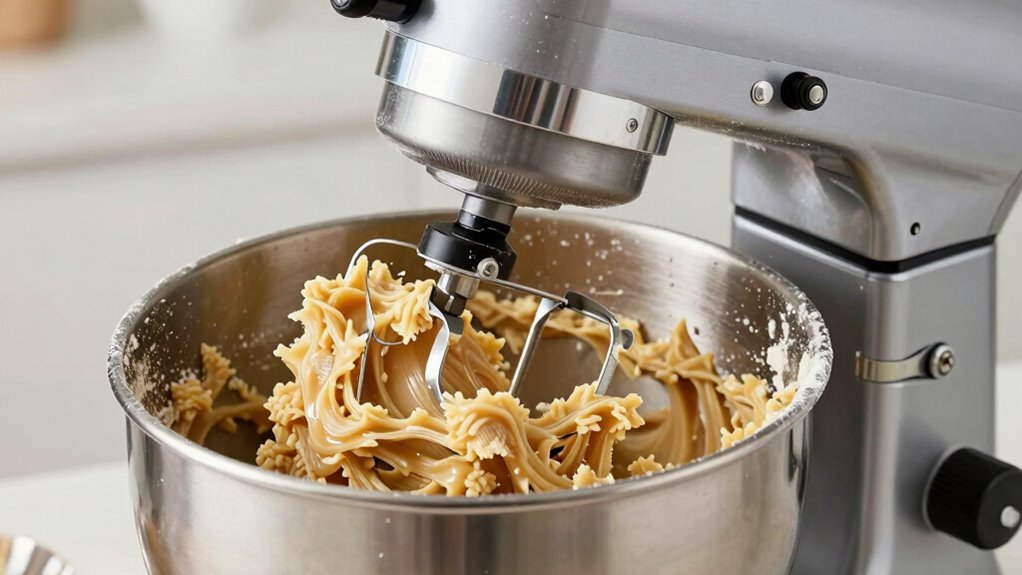
Overloading your stand mixer puts unnecessary strain on the motor, which can lead to overheating and damage. When you push it beyond its capacity, the motor has to work harder, increasing the risk of burnout. To keep your mixer running smoothly, it’s important to manage the load properly and avoid overtaxing the motor. Additionally, understanding the importance of proper maintenance can help extend the lifespan of your appliance and ensure it functions efficiently over time. Recognizing load capacity and staying within recommended limits can prevent unnecessary wear and tear, ensuring reliable operation for years to come. Being aware of motor stress factors can also help you take preventative steps to protect your mixer, such as avoiding excessive loads that could cause pest infestation or other issues that might compromise its performance. Regularly inspecting your mixer for signs of wear and cleaning it according to the manufacturer’s instructions can further prevent damage and promote longevity.
Motor Strain Risks
When you overload your stand mixer, you put unnecessary strain on the motor, which can lead to serious damage over time. This strain may cause motor overheating, reducing its lifespan and risking complete failure. Additionally, overloading can cause power fluctuations, making the motor work harder than it should. As a result, the motor’s components wear out faster, and you might notice decreased efficiency. Repeated overloading can also lead to burnt-out brushes or burned windings, costly repairs or replacements. To avoid these risks, keep loads within recommended limits. Pay attention to the motor’s signals, like unusual noises or overheating, and always distribute ingredients evenly. Proper load management protects your mixer’s motor and ensures it runs smoothly for years to come. Regularly inspecting your mixer and understanding its performance ratings can also help prevent damage before it occurs. Using the correct attachments designed for your model also helps in distributing workload evenly and reducing stress on the motor. Moreover, understanding the power capacity of your mixer can help you avoid exceeding safe operational limits. Being aware of your mixer’s ventilation needs ensures adequate cooling and prevents overheating during extended use.
Proper Load Management
Proper load management guarantees you don’t overload the mixer, which can strain the motor and decrease its lifespan. Always follow the manufacturer’s guidelines for ingredient quantities and mixing speeds. This practice not only protects your mixer but also supports proper mixer maintenance over time. Additionally, considering kitchen ergonomics—like using the right bowl size and positioning your mixer correctly—can make mixing easier and safer. When you overload your mixer, it forces the motor to work harder than intended, risking overheating and damage. By paying attention to load limits and maintaining good kitchen ergonomics, you help your stand mixer stay in top condition longer. Nanotechnology is also being explored for developing advanced motor components that could improve durability and efficiency in appliances like mixers. Incorporating advanced materials in motor design could further enhance the longevity of your appliances.
How to Measure and Add Ingredients Without Overloading
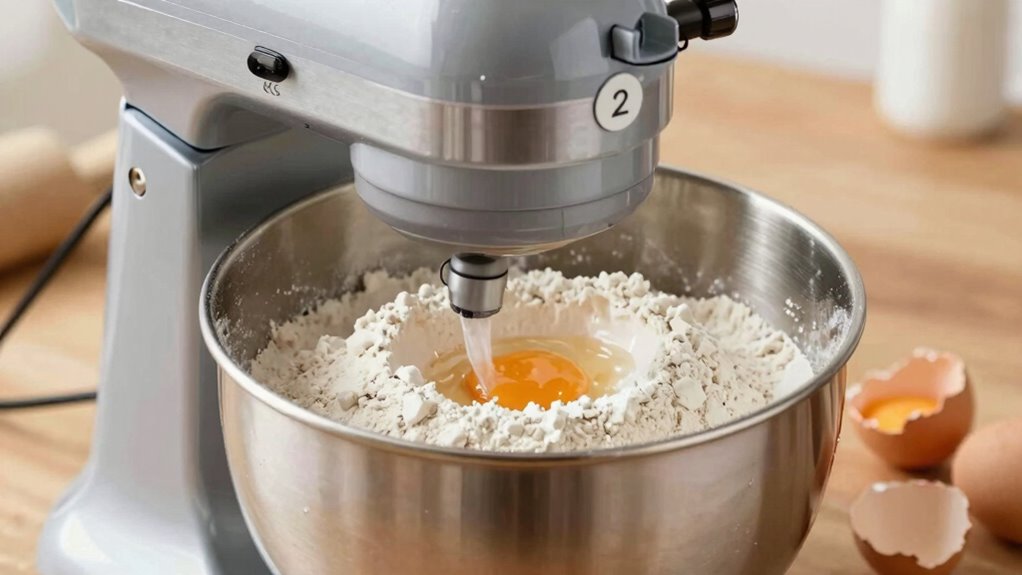
Ensuring you add ingredients gradually and accurately is key to preventing your stand mixer from overloading. Proper ingredient measurement helps maintain balance and reduces strain on the motor. Use measuring cups or a scale for precise amounts, especially with dry ingredients. Incorporate ingredients in small portions, allowing the mixer to blend thoroughly before adding more. This approach improves mixing techniques and prevents sudden overloads. Incorporating proper ingredient measurement techniques and traditional health practices into your routine can also support overall wellness and prevent physical strain on your equipment. Additionally, understanding the mechanics of your stand mixer can help you operate it more efficiently and extend its lifespan.
Following these steps keeps your mixer running smoothly and prevents overloading caused by adding too much at once.
Tips for Mixing Large Batches Safely and Effectively
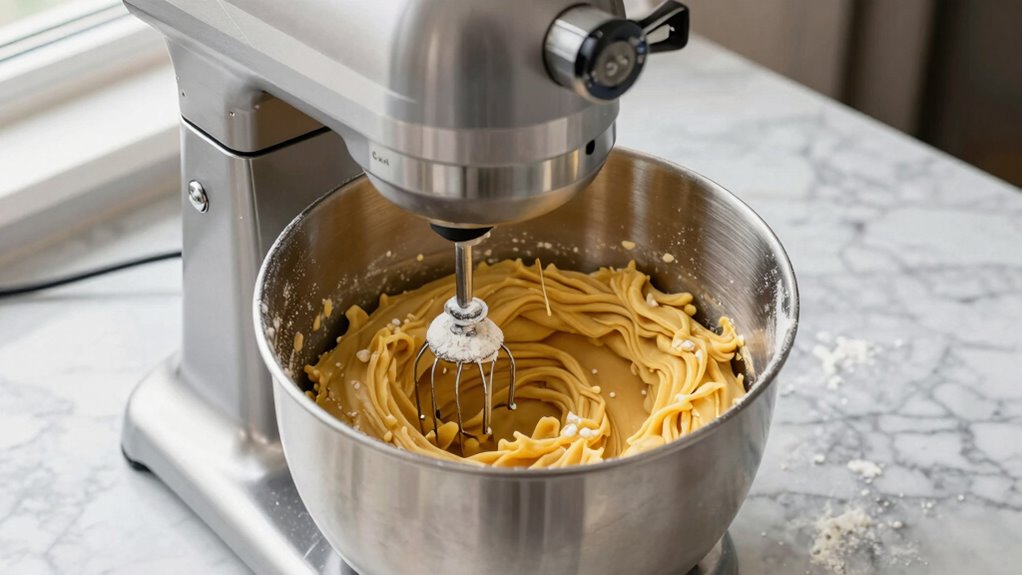
Mixing large batches requires careful attention to prevent overloading your stand mixer and guarantee thorough blending. To do this, start with a lower mixing speed to help ingredients distribute evenly and reduce strain on the motor. Gradually increase the speed as the ingredients come together, but avoid rushing to higher speeds early on. Use pulse or slow mixing settings to incorporate ingredients gradually, ensuring even ingredient distribution without causing splatter or strain. It’s also helpful to divide very large batches into smaller portions and mix them separately before combining, which promotes better consistency. Keep an eye on the mixer’s load capacity, and don’t overload the bowl. Properly managing mixing speed and ingredient distribution ensures your mixer works efficiently and safely during large-batch tasks.
Adjusting Recipes and Techniques for Your Mixer’s Limits
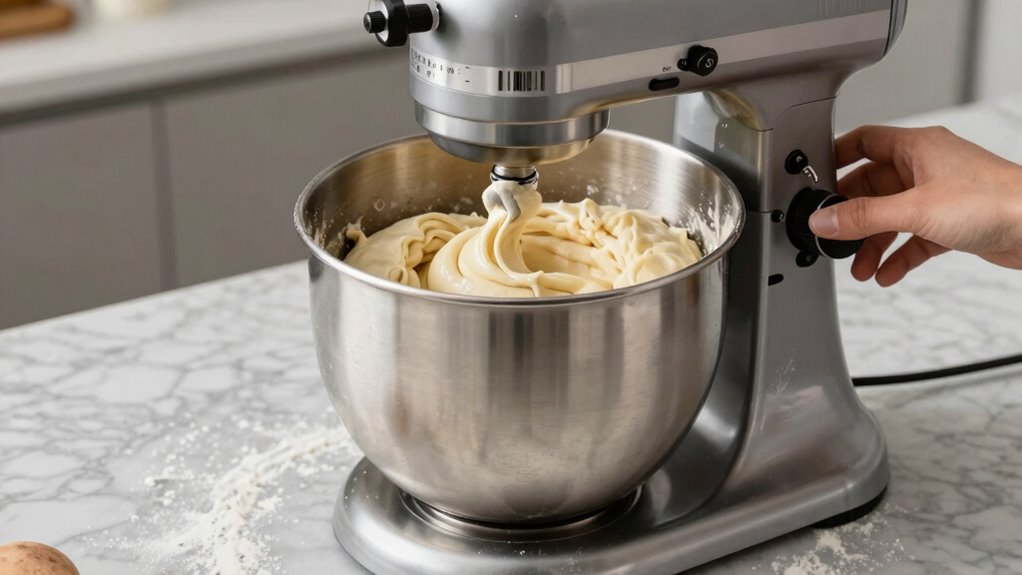
To prevent overloading your stand mixer, you should adjust recipe quantities to match its capacity. Mixing in smaller batches guarantees the motor isn’t strained and results are consistent. Additionally, using the right attachments helps improve efficiency and protects your mixer from unnecessary wear.
Adjust Recipe Quantities
When your recipe calls for a large amount of ingredients, it’s important to scale down the quantities so your mixer can handle the load without overworking. This prevents strain on the motor and ensures better mixing results. Adjusting recipe quantities involves considering your bowl size and mixing speed. Smaller batches allow for thorough mixing without risking overloading. To optimize your process:
- Use a bowl that’s appropriately sized for the batch
- Reduce ingredient amounts proportionally
- Mix at a lower speed to prevent splattering
- Increase mixing time if needed, but avoid high speeds
Mix in Batches
If your batch is too large for your mixer’s capacity, dividing it into smaller portions can help prevent overloading and guarantee thorough incorporation of ingredients. Work in manageable amounts, ensuring each batch fits comfortably within your bowl size. Adjust the speed settings accordingly: start slow to combine ingredients gently, then increase speed as needed, but avoid pushing the mixer beyond its limits. Smaller batches reduce strain on the motor and allow for more consistent mixing. Keep an eye on your mixer’s performance—if it struggles, further divide your mixture. Using the right bowl size and adjusting your speed settings helps protect your equipment while achieving well-mixed results without overloading your stand mixer.
Use Proper Attachments
Choosing the right attachments for your stand mixer is essential to prevent overload and achieve the best results. Proper attachment selection guarantees you don’t strain your motor and maintain efficient mixing. For example, use a flat beater for heavier doughs and a wire whisk for whipping. Adjust your mixing speed accordingly—start slow to combine ingredients and increase gradually to avoid splattering or overworking the motor. Keep these tips in mind:
- Match attachments to your recipe’s consistency
- Use lower speeds when adding ingredients
- Switch to the right attachment for task-specific mixing
- Avoid using the whisk for dense doughs
What to Do When Your Stand Mixer Isn’t Performing Properly
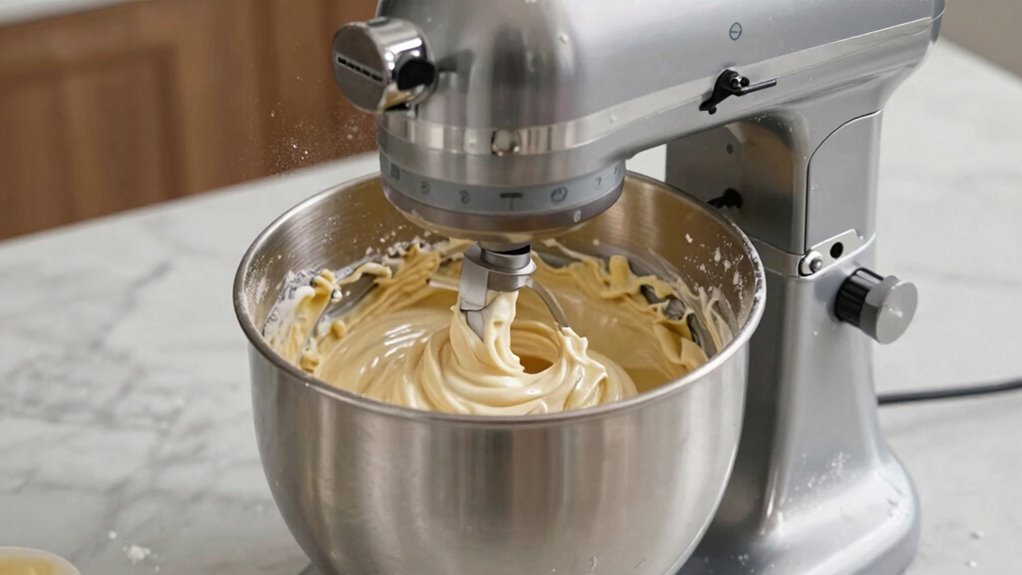
A stand mixer that isn’t performing properly can be frustrating, but many issues stem from overloading the appliance. If you notice the motor overheating or hear unusual noise issues, stop the mixer immediately. Overloading causes strain on the motor, leading to overheating and potential damage. First, turn off the mixer and unplug it. Check if the ingredients are too thick or if you’re running it for too long without breaks. Reduce the load by dividing large batches into smaller portions. Let the mixer cool down if it’s been running for an extended period. Regularly inspecting and cleaning the motor vents also helps prevent overheating. If noise issues persist, it might indicate internal parts are strained or worn. Address these problems promptly to avoid long-term damage and make certain your mixer runs smoothly.
When Is It Time to Upgrade to a Heavy-Duty Stand Mixer?
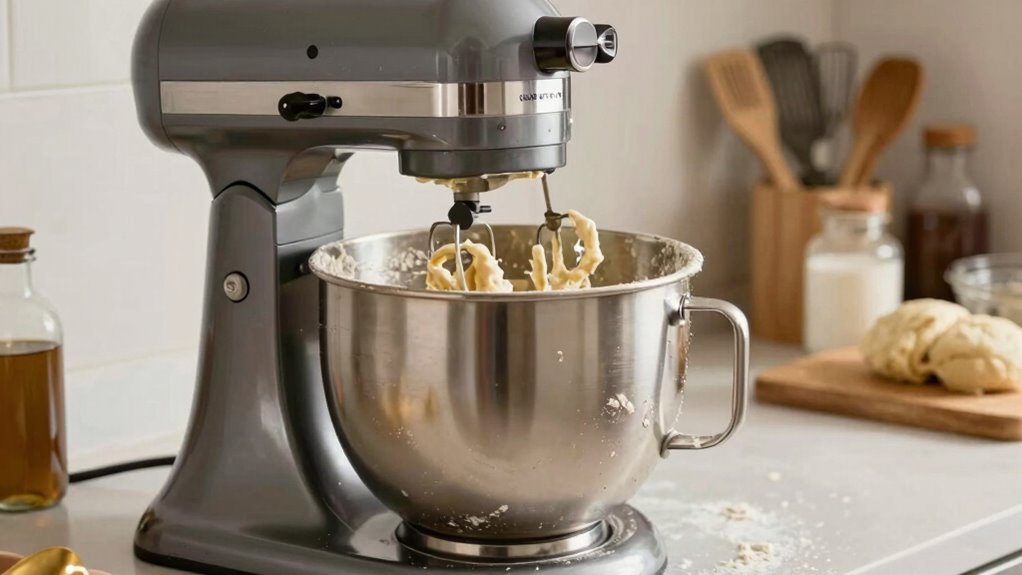
When your standard stand mixer starts struggling with heavy doughs or large batches, it’s a clear sign it might be time to contemplate an upgrade. If you find yourself frequently pushing your mixer to its limits, consider investing in a heavy-duty model designed for demanding tasks. Upgrading can save you time and prevent damage. Look for mixers with robust motors, sturdy construction, and compatible chef accessories to expand your options. If you notice increased noise, overheating, or frequent motor stalls, it’s a sign your current mixer isn’t sufficient anymore. Regular mixer maintenance can prolong its life, but sometimes, a more powerful machine is necessary. Recognize these signs early to avoid frustration and ensure your baking remains efficient and enjoyable.
Easy Steps to Extend Your Mixer’s Life and Keep It Running Smoothly
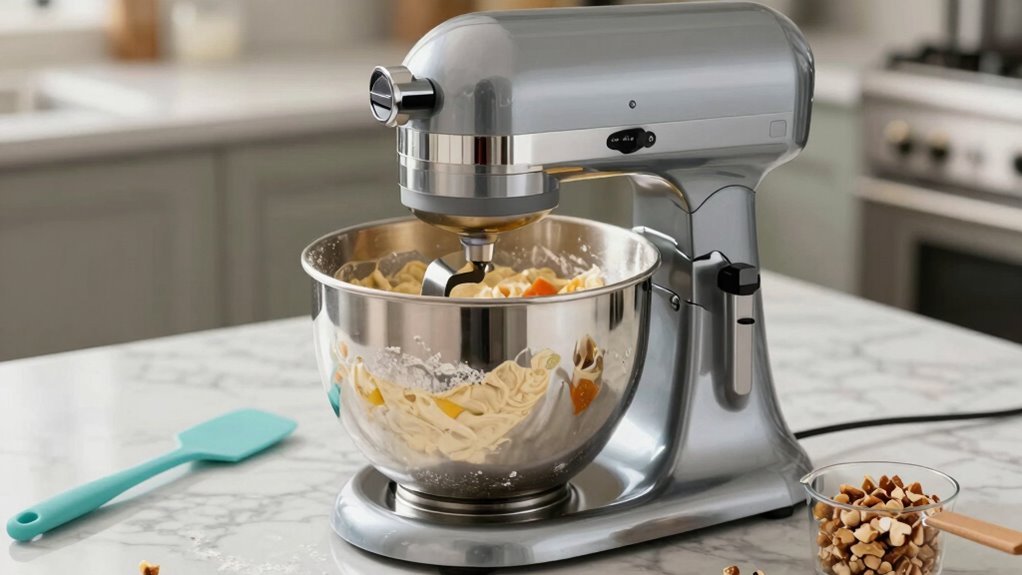
To keep your stand mixer running smoothly and extend its lifespan, regular maintenance is essential. Start by cleaning your mixer after each use, paying attention to the beaters and bowl to prevent buildup that can strain the motor. Check the mixer’s attachments and ensure they’re properly secured, which supports ingredient accuracy and prevents unnecessary overloads. Lubricate moving parts as recommended by the manufacturer to reduce wear and tear. Also, avoid overloading the bowl with ingredients; follow recipe quantities to prevent motor stress. Periodically inspect the power cord for damage. Proper mixer maintenance not only prolongs its life but also ensures consistent performance. By taking these simple steps, you’ll keep your mixer reliable and ready for your next culinary adventure.
Frequently Asked Questions
How Often Should I Clean and Maintain My Stand Mixer?
You should clean your stand mixer after every use to keep it in top shape, focusing on the beaters, bowls, and attachments. For maintenance tips, regularly check the power cord and motor, and tighten any loose screws. Follow a cleaning schedule of weekly deep cleaning for the mixer body and attachments. Doing this guarantees your mixer runs smoothly, lasts longer, and performs efficiently, preventing buildup and mechanical issues.
Can I Use My Stand Mixer for Doughs and Batters Simultaneously?
You can’t use your stand mixer for doughs and batters simultaneously without risking overload. Check the mixer capacity to see if it can handle both types of ingredients at once. Ingredient compatibility is also key; heavy doughs can strain the motor if combined with thinner batters. It’s best to process them separately, ensuring your mixer stays in good shape and performs effectively.
What Are the Signs My Mixer Motor Is Overheating?
If your mixer motor is overheating, you’ll notice it smells hot or the motor feels excessively warm. You might also see the mixer shutting off unexpectedly or hear unusual vibrations during operation. These signs indicate the motor is struggling, likely from overuse or overload. To prevent damage, give your mixer a break, avoid overloading it, and check for any unusual vibrations that could signal internal issues.
Is It Safe to Use My Stand Mixer for Extended Periods?
Using your stand mixer for extended use isn’t safe if you experience signs of mixer overload, like overheating or unusual noises. It’s best to give your mixer breaks during prolonged tasks to prevent motor strain. Overloading the mixer repeatedly can cause damage, so avoid pushing it beyond its capacity. Always follow the manufacturer’s guidelines for extended use, and stop if you notice any signs of overheating or strain.
How Do I Troubleshoot Unusual Noises From My Stand Mixer?
Unusual noises from your stand mixer are like a car with a squeaky belt—signs something’s off. First, check for gear noise and vibration issues, which often point to loose parts or debris. Tighten any loose screws and clear out any obstructions. If the noise persists, stop using it and consult a repair professional. Regular maintenance can prevent these issues and keep your mixer running smoothly.
Conclusion
So, next time your stand mixer starts whining like a drama queen, remember—it’s not weak, you’re just overloading it with your legendary baking ambitions. Treat it with respect, measure carefully, and don’t expect a lightweight to handle the heavyweight tasks. After all, even the strongest mixers have their limits—so maybe, just maybe, it’s time to accept a little moderation. Your mixer will thank you, and your kitchen will stay intact.